 WasteOpsWasteOps
Not just what WasteOps does, but why it's built this way. If you only read two sections, read the first two — everything else is built on top of them.
There's no separate native app to install — opening the address in a browser is the install, on any current desktop browser or Android/iOS device with GPS and a camera. That choice is what makes offline operation practical: the whole day's worklist, map, and reference data download once at shift start, and everything from then on runs against that local copy, with no app-store release cycle standing between a bug fix and a crew's phone. We haven't run a formal device-compatibility matrix against specific handsets yet, and would rather say that now than claim hardware we haven't actually tested.
There's no app-store install, code-signing, or push-update process to manage. The office side runs on any current desktop browser; the crew side runs on any current Android or iOS device, using its own built-in browser — so an existing company-provided handset works as-is, with no separate app to certify against a specific model. A PWA can also be "installed" to a phone's home screen for an app-like icon and full-screen launch, without ever going through an app store — useful for a crew, optional, not required for any of this to work.
Why it matters: offline operation (below) is what makes this practical in the field, not just a nice-to-have — and because it's just a web app under the hood, an update ships to every device the next time it has signal, not on whatever cadence an app-store review takes.
No app-store release, no code-signing, no push-update process — a fix ships the moment a device next has signal, not on an app-store review cycle.
Every exception a crew logs — a missed bin, an access issue, contamination — is written the instant it happens as its own permanent record: timestamped, GPS-tagged, with a photo where one's taken, and never overwritten. If fifteen properties on a round have a problem, that's fifteen independent records the office can resolve one at a time, not one bundled claim.
Most collection software behaves like a form: a crew works an entire round, then submits one report covering everything at the end. That model has a structural weakness — one person's data can silently overwrite another's, a device failure mid-round can lose the whole day, and there's no reliable way to prove when something actually happened. WasteOps doesn't work that way for anything that needs to be proven; if circumstances change, a new record is added on top and the original is preserved exactly as it was.
By default, crews sign in to a shared round passcode rather than an individual login — removing password-reset overhead for a rotating workforce. Where a contract needs to know the individual, a per-contract switch turns on named attribution, and the office can open any round's history to see every past job, its completion rate, exception count, and the crew name(s) recorded against it — including a quiet day with zero exceptions, which now still carries a name rather than leaving a blank record.
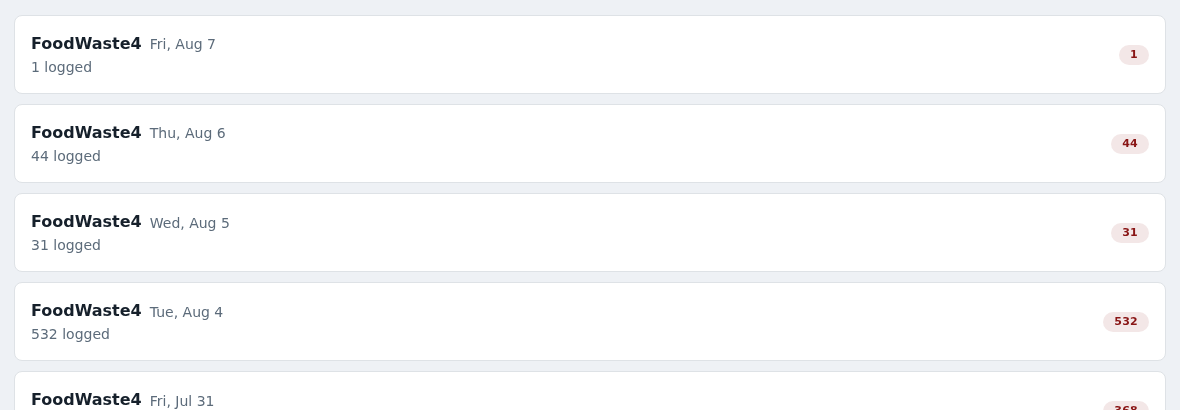
Every log writes to the device immediately — the app never waits for the network — and pushes to the office automatically the instant a connection reappears, safely and without duplicates. A jammed device recovers itself from inside the app, with no IT callout and no drive back to the depot.
Field connectivity is unreliable, and some rounds run through genuine not-spots. WasteOps is built on the assumption that this is the normal case, not an edge case. A Reset app data control sits inside the app itself, requiring no operating-system access — unlike the usual remedy for a stuck local cache, which normally needs a device's OS settings and, on a company-managed tablet, is often locked to IT alone. It clears everything that can safely be rebuilt from the server, but never touches anything the crew has logged that hasn't synced yet — go-backs, notes and photos still in the outbox are carried through untouched.
Why it matters: a device fault never turns into a false missed-collection claim against a crew that simply had no working tablet.
"0 synced" becomes "12 synced" the instant signal returns — nothing typed offline ever waits on a manual retry.
A missing property — a new build, an import gap — can be added by a crew member on the spot and is serviced the same day, no supervisor sign-off needed. A possible shared bin store is treated differently: a crew can only flag it; a supervisor has to review and actively build it before anything about how the block is collected changes.
Property data is never perfectly complete. A new build, an import gap, a block of flats sharing a bin store no one flagged — WasteOps handles these at two deliberately different levels of trust, because getting a shared-bin grouping wrong affects every property linked to it, potentially for a long time. Nothing a crew member taps can silently restructure collection across a whole block of flats — that decision stays with a supervisor.
A crew member can add a missing property on the spot. A possible shared bin store can only be flagged — a supervisor has to build it.
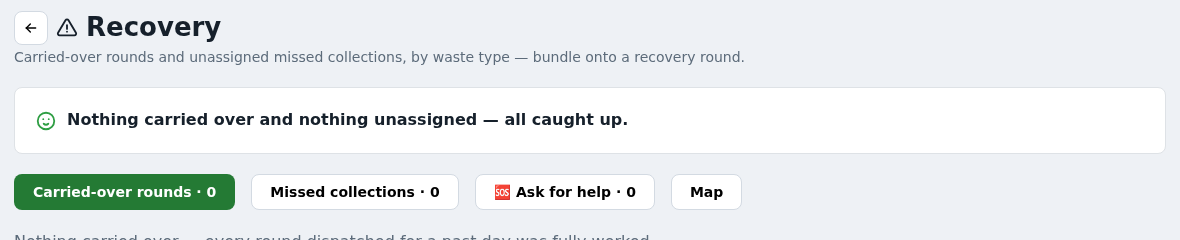
A missed collection is never a vague "this round had problems" — it's a specific property, with a specific reason, on a specific date, classified automatically by urgency against the contract's recovery deadline. The Recovery hub pulls the day's whole outstanding backlog into one view with a map and batches it into new recovery rounds.
Each missed collection is classified automatically — same-day, next-working-day, or flagged as needing attention — visible as a due-by countdown rather than something a supervisor has to track in a spreadsheet. The Recovery hub pulls every carried-over round and unassigned missed collection into one view, so the office sees the day's whole outstanding backlog at once and hands it to a crew through the same passcode system as any normal round.
Why it matters: per-property, timestamped, GPS-tagged records exist specifically to stop a genuinely collected property being wrongly logged as missed because a device couldn't confirm what happened.
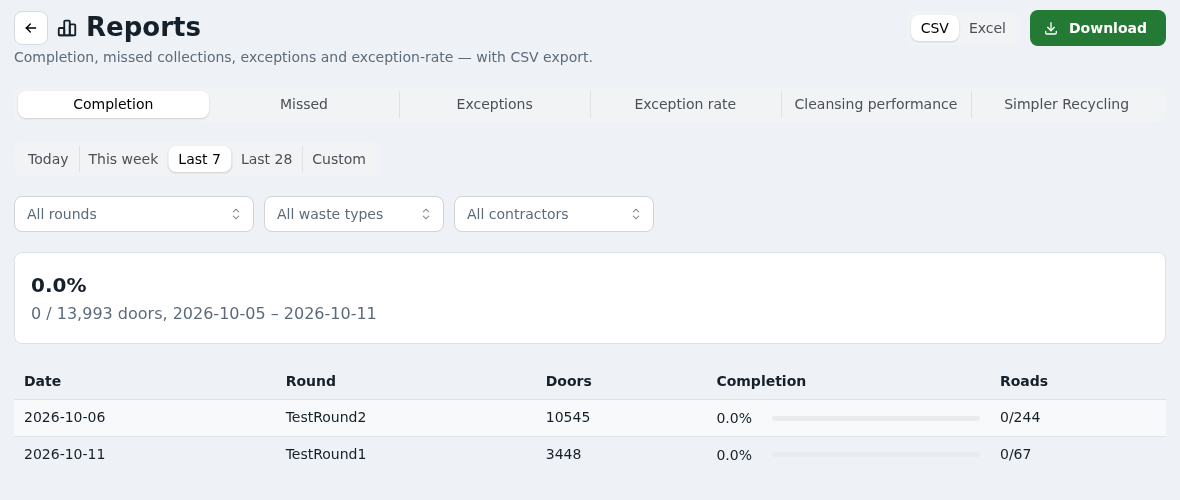
Completion, missed-by-reason, exception and contamination reporting over any date range, exportable — backed by an audit trail where every entry is cryptographically linked to the one before it. That's the difference between "we believe our records are accurate" and "we can prove they haven't been changed".
The audit trail logs every meaningful action — not just field events, but account and settings changes too — so a retroactive alteration of a historical record is detectable.
A council-facing portal lets residents look up their own property and report a problem, with a duplicate check so the same missed bin isn't logged five times by five callers, and a formal dispute queue when a resident challenges an exception a crew logged.
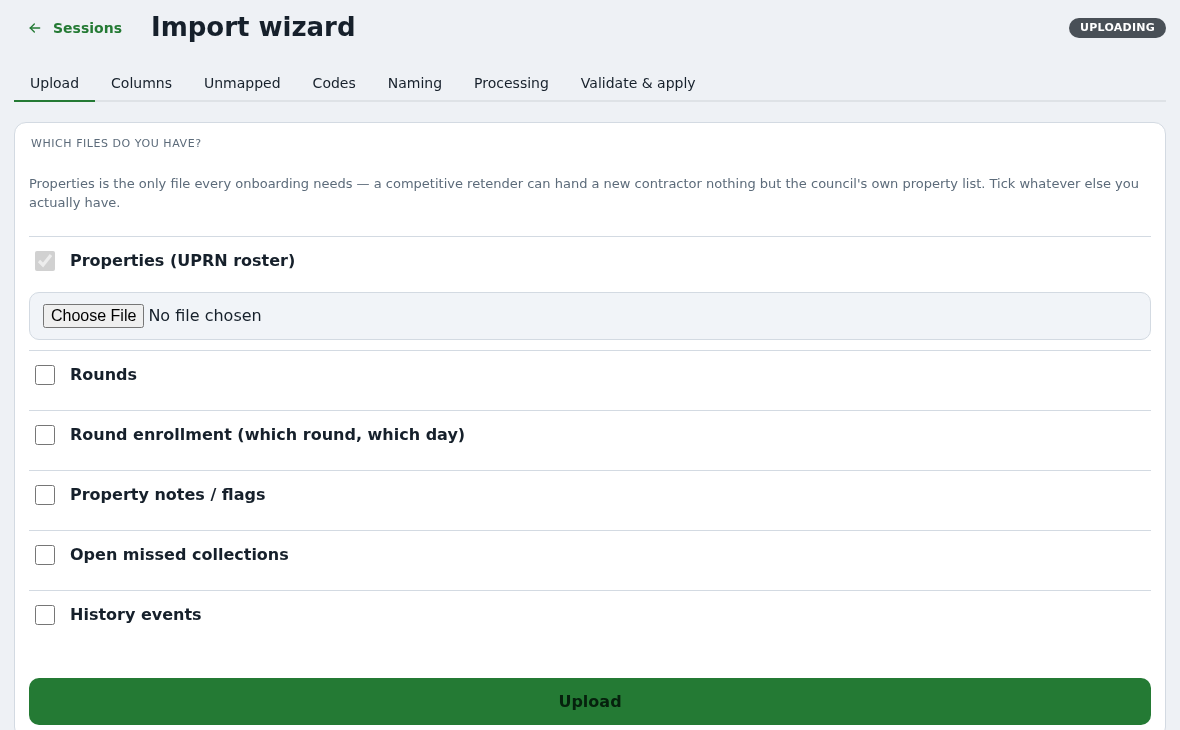
A self-serve import wizard maps an existing contract's properties, round structures and exception history onto WasteOps' own fields, validating everything in a dry run before anything is written. Office accounts support two-factor authentication with per-device trust, so a known machine isn't challenged on every login.
Properties, round structures and historical exception data from a contract's current system don't have to be re-typed by hand. The wizard walks whoever is doing the onboarding through exporting from whatever is running today — a named incumbent's CSV shape, a council's own AddressBase/LLPG file, or another system's format — mapping its columns onto WasteOps' own fields and surfacing anything it can't confidently place for a person to resolve.
Office accounts use a phone-based code on top of a password, with recovery codes for when a device is lost.
Round boundaries, once drawn, aren't fixed. The office can reshape a round directly on the map, see a live preview of what falls inside the new shape, and commit the change itself. Rounds also open automatically on their scheduled day, skipping bank holidays on a calendar the office controls.
Draw a new boundary on the map, see exactly which properties move into it, and commit — no waiting for a batch job to catch up.
WasteOps doesn't assume a single fixed relationship between a council and a contractor. One contractor can run several council contracts from a single account; a council can run several contractors side-by-side, each with their own isolated view; and a council collecting in-house, with no third-party contractor at all, can run the platform directly. See the home page for more on this.
Every element above traces back to a specific, real operational failure — a crew member locked out of a jammed tablet, a genuinely collected bin wrongly logged as missed, a shared bin wrongly split apart, a council asking "prove it". In each case the design principle was the same: don't let one failure cascade into a larger one, and don't ask a person to remember something the system can track for them.
WasteOps is in active development. Get in touch and we'll walk you through what's available now and what a pilot could look like for your contract.